Build Mac App — The template for selling paid macOS apps

The template for selling paid macOS apps

Creating a macOS app has never been so easy.
Build and sell a paid Mac app. Payments, licence keys, Apple's approval, auto-updates and the website are already done.
Extracted from 3 paid Mac apps already shipped



The whole thing, in one picture.
No jargon: this is what you are buying, and what happens after.
1You buy
A finished Mac app, and its website
Both already work on day one. You get the full source in a private GitHub repository.
2You build
Your idea goes in
Tell an AI agent what your app should do, in plain English. It writes the code, and the built-in checks catch the mistakes agents usually make.
3Your customer
Buys, downloads, it just opens
They pay on your website and get a licence key by email. Apple has already checked the app, so the Mac opens it without a warning.
4You get paid
Money in, taxes handled
Creem or Polar takes the card, handles sales tax and pays you. Every update you ship is offered inside your customers' copy of the app.
Steps 1, 3 and 4 are already built. Step 2, what your app actually does, is the only part that is yours.
Before your first sale
12 things between “it runs” and “it sells”.
Each one is time not spent on your app. All of them are already done, tested and wired together.
- Apple's signature on your app, so Macs trust itDeveloper ID certificate, hardened runtime, entitlements
- One download for Apple-chip and Intel Macs alikeA universal build, launched on both before it ships
- Apple's security check passed: no “damaged app” warningnotarytool, stapling, and a DMG Gatekeeper opens
- Your app updates itself, and nobody can fake an updateSparkle, an EdDSA key pair and a signed appcast
- Licence keys, so only paying customers can use itActivation per Mac, weekly checks, offline grace
- A payment unlocks the app; a refund locks it againPayment webhooks, signature checks, refunds that revoke
- Receipt and lost-key emails, sent exactly onceReceipts, key recovery and refund emails, idempotent
- Those emails land in the inbox, not in spamSPF, DKIM and DMARC
- A website with pricing and the legal pagesPricing, terms, privacy and a refund policy
- A download button that always gives the newest versionA download link that follows your latest release
- Google and AI assistants can find and understand your siteCanonical URLs, sitemap, OG images, llms.txt
- Write “what’s new” once; it appears everywhereA changelog that feeds the feed, the appcast and the release notes
~/your-app % mac/scripts/release.sh 1.0.0 1

▸ Preflight
  ✓ notarytool  found
  ✓ Sparkle linked  declared in project.yml
  ✓ SUPublicEDKey  matches the key in the keychain
  ✓ row for 1.0.0  in the changelog

▸ Building, universal
  ✓ architectures  arm64 x86_64
  ✓ hardened runtime  enabled

▸ Launch smoke on the signed bundle

▸ Submitting to Apple
  ✓ ticket  stapled and validated
  ✓ Gatekeeper  a stranger's Mac will open this

▸ Done here. Two commands left, in this order
One command builds your app, signs it and gets Apple’s approval. It stops before anything irreversible: publishing is yours to run.
You bought it. Now what?
You get the source of a working Mac app and the website that sells it, in a private GitHub repository. You turn it into your app, mostly by telling an AI agent what you want. The payments, licence keys, emails and updates are already built.
Accept the invitation
Checkout asks for your GitHub username. GitHub emails you an invitation to the private repository within a minute; accept it and clone the repository to your Mac.
See it running
Install Xcode from the App Store, then two tools in Terminal. The finished app and the website that sells it open on your Mac before you change a line.
Ask your agent: Help me run the website and the Mac app for the first time, and check my setup is right.
This step in the guideMake it yours
One command, or one sentence to your agent, renames the app, the site, the emails and the settings to your product. A check lists anything it missed.
Ask your agent: Make this my product. It's called Clip Stack, the website is clipstack.app, I'm Jane Doe, and I want to sell it through Creem with a licence key. Then run doctor and tell me what's next.
This step in the guideBuild what your app does
The part only you can do. Describe it to your agent one feature at a time; the repository's checks run after each change and name the file when something breaks.
Ask your agent: Add a feature: [describe one thing the app should do].
This step in the guideConnect the accounts
Put the site online on Vercel, enrol in Apple's Developer Program so Macs trust your app, and connect a payment account. You test the whole purchase with a test card before any real money moves.
This step in the guideShip, and open for sale
One command builds, signs and notarizes the app into a download other Macs open without a warning. Then one switch turns the waitlist into a buy button.
Ask your agent: Ship version 1.0.0. Stop before publishing so I can check everything.
This step in the guide
Already done for you
- Checkout, sales tax and invoices, through a merchant of record
- Licence keys, activation per Mac, and refunds that revoke them
- Receipt, key-recovery and refund emails
- Signing, notarization and a disk image macOS opens without a warning
- Automatic updates for every version after the first
- A sales site with pricing, FAQ, blog, terms, privacy and refund policy
- No database or server of your own to run, to start
Yours to bring
- What your app actually does
- A Mac with Xcode, and an AI coding agent if you want one
- An Apple Developer Program membership (a yearly fee paid to Apple)
- A Creem or Polar account, and a domain for your site
You will work in Terminal and with an agent such as Claude Code, Cursor or Codex. You don’t write the plumbing, but expect to read what the agent changes.
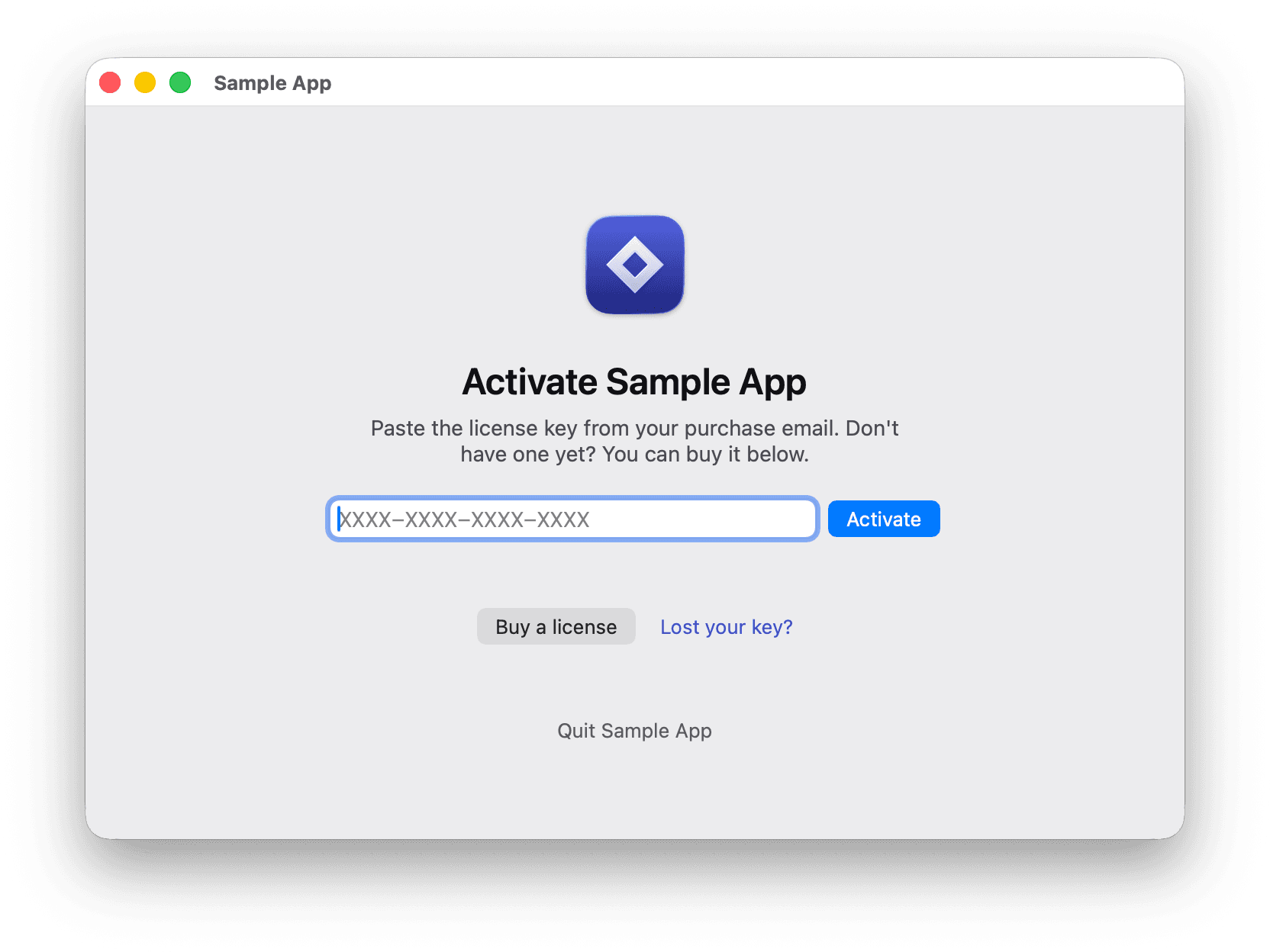
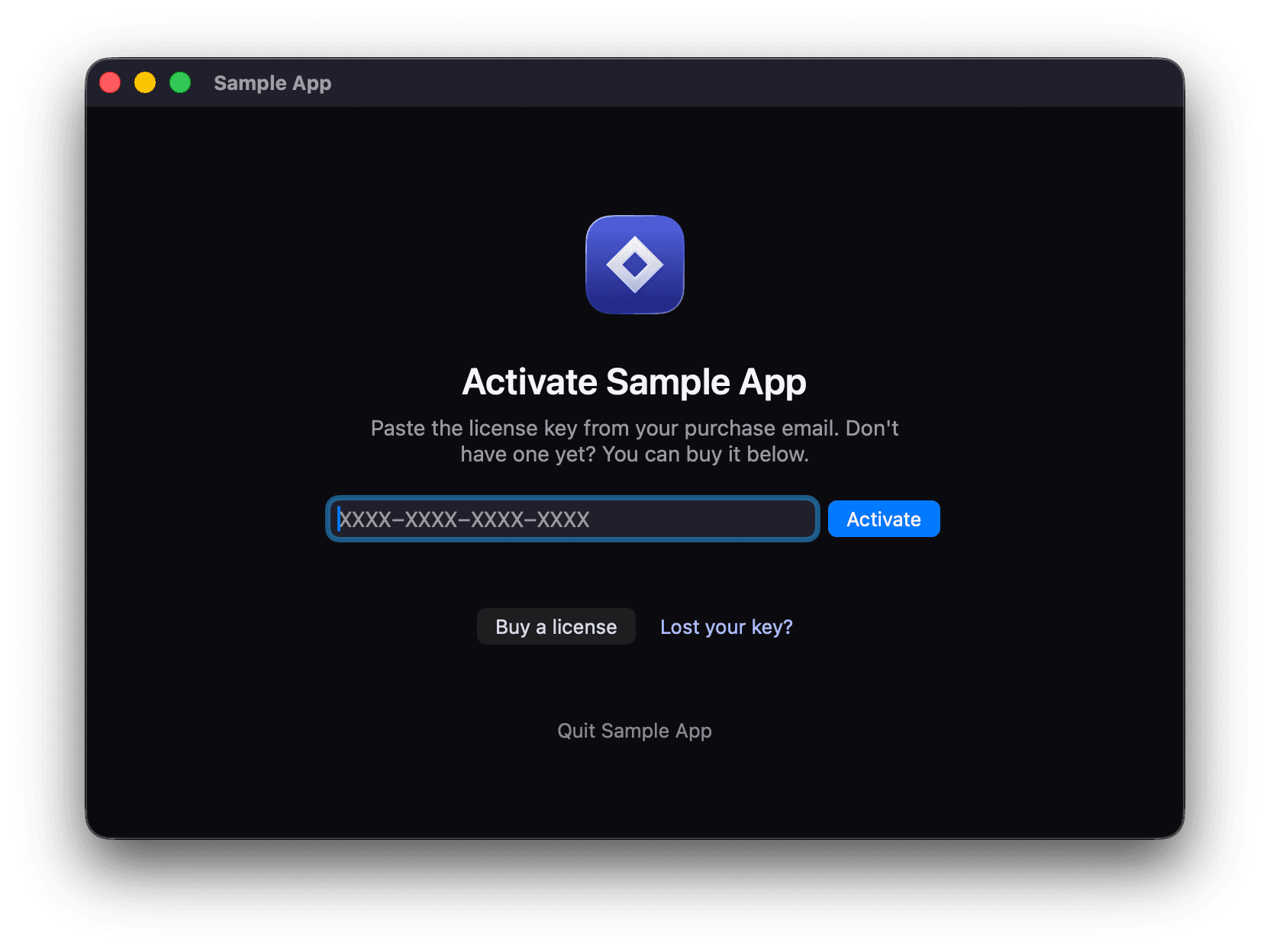
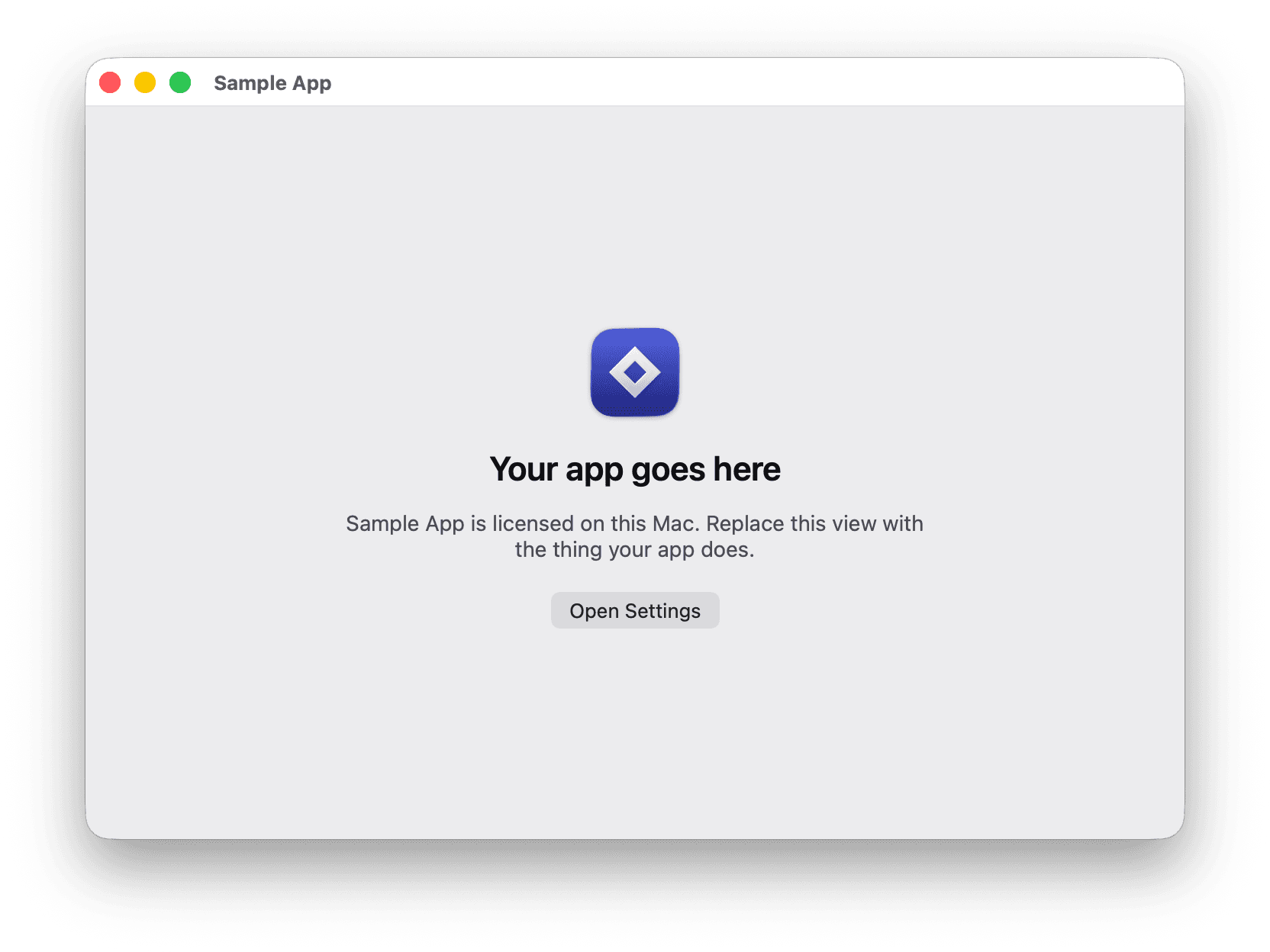
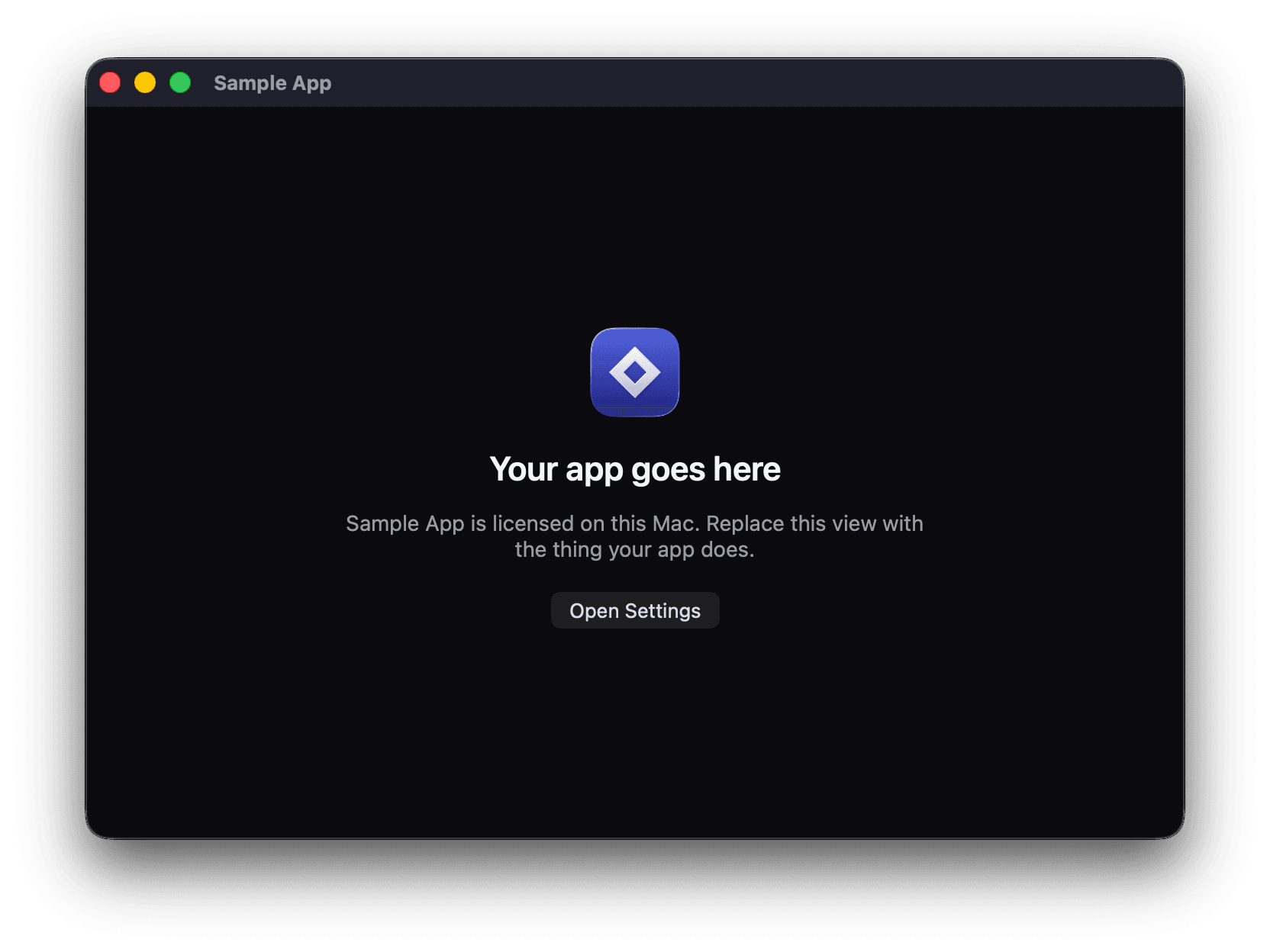
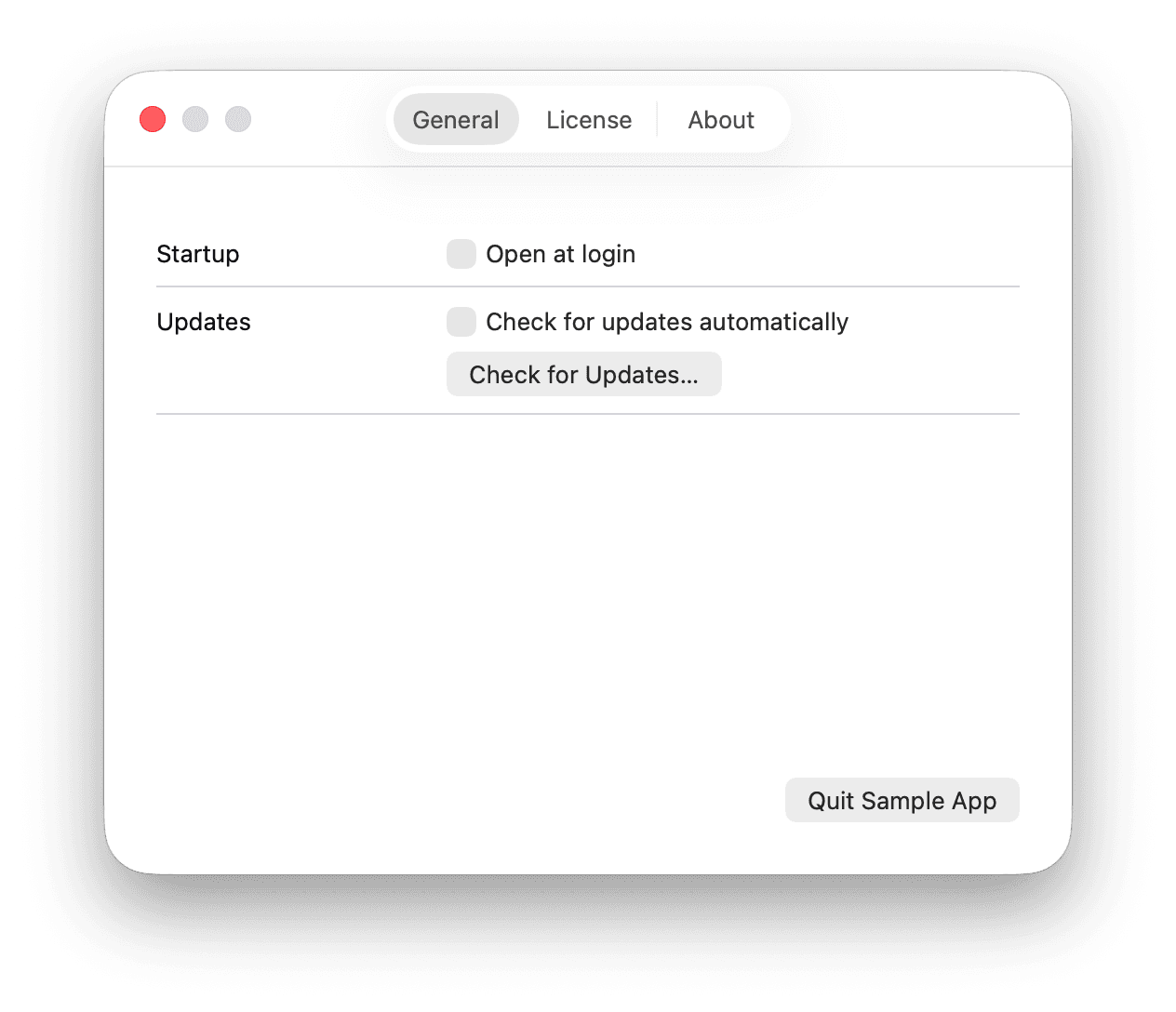
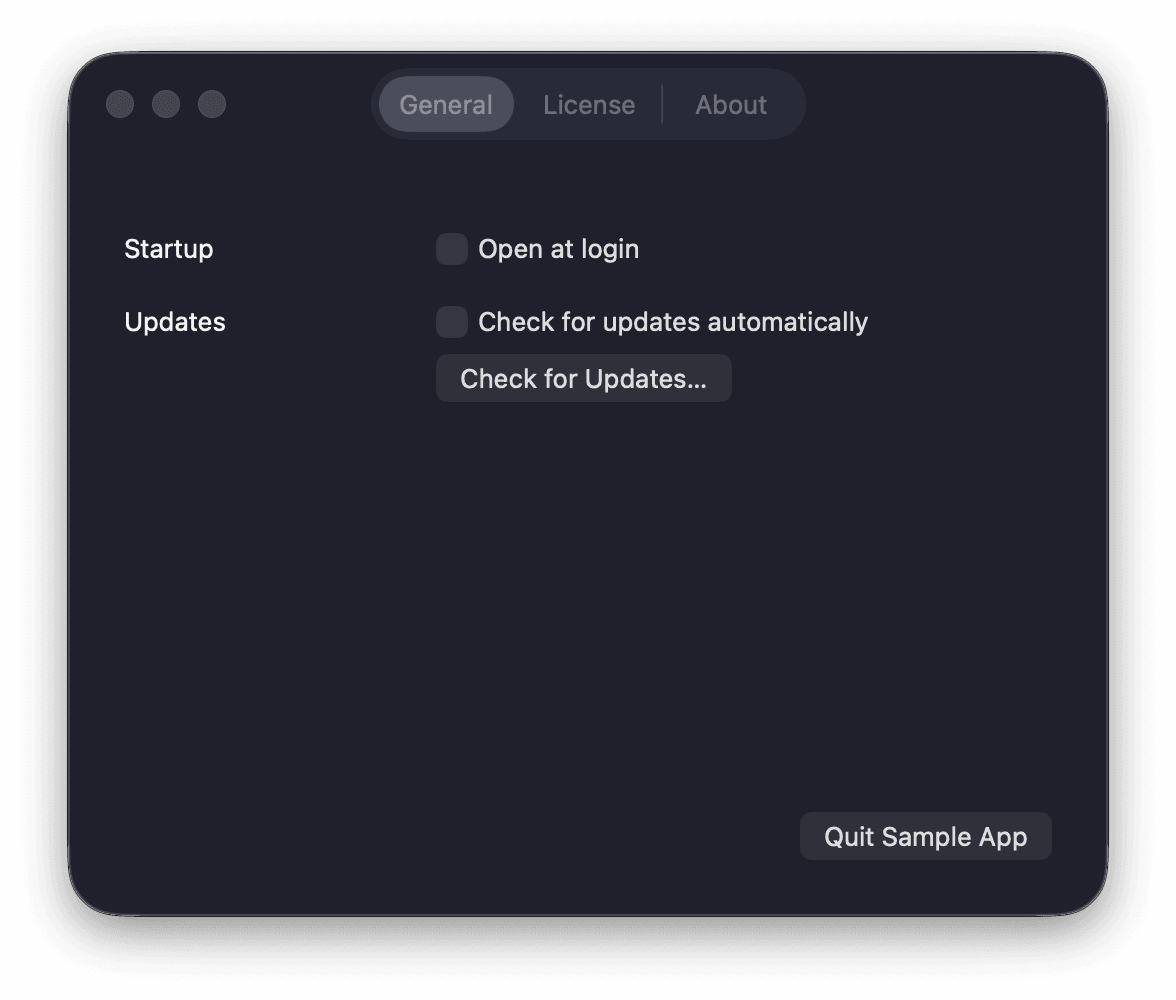
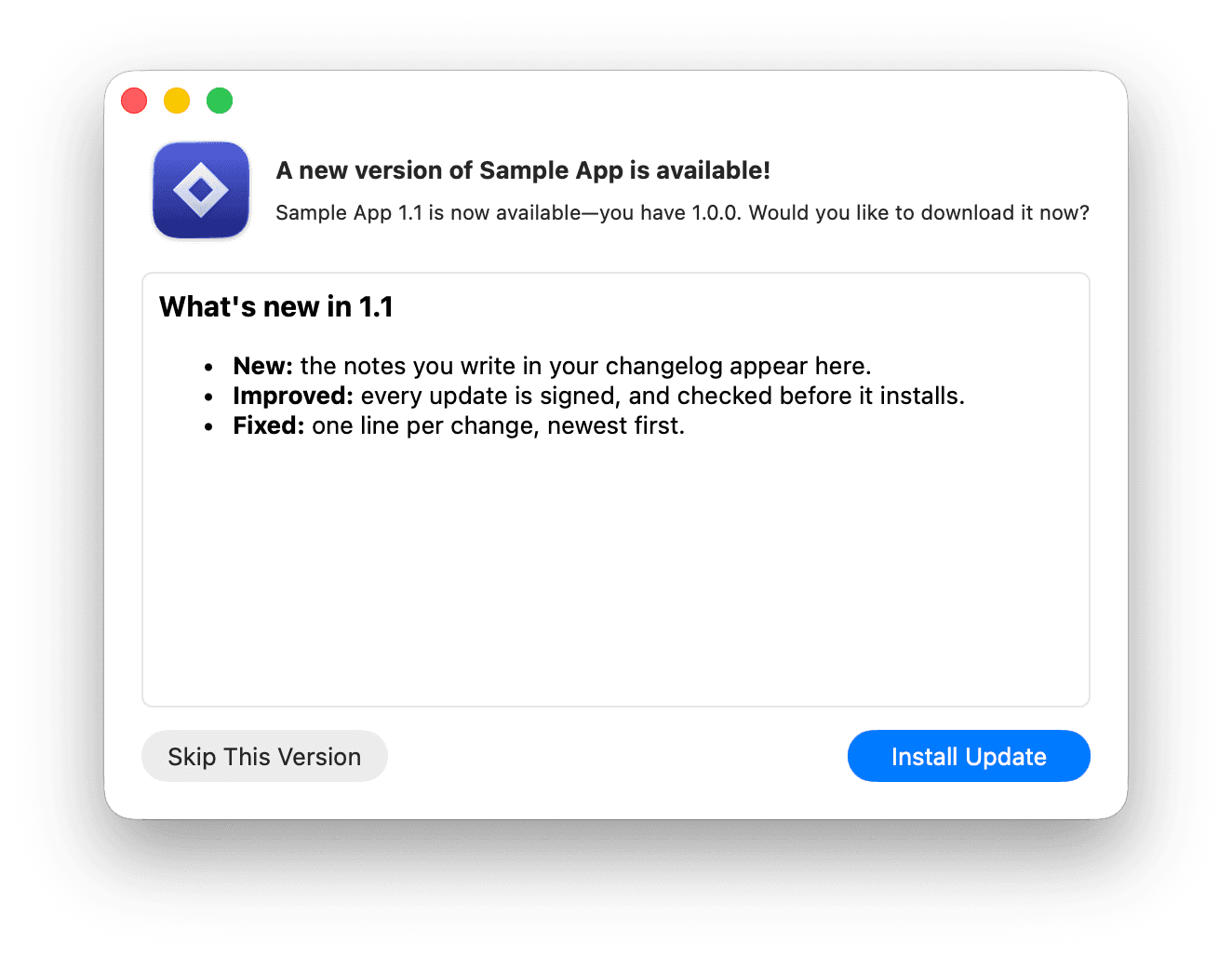
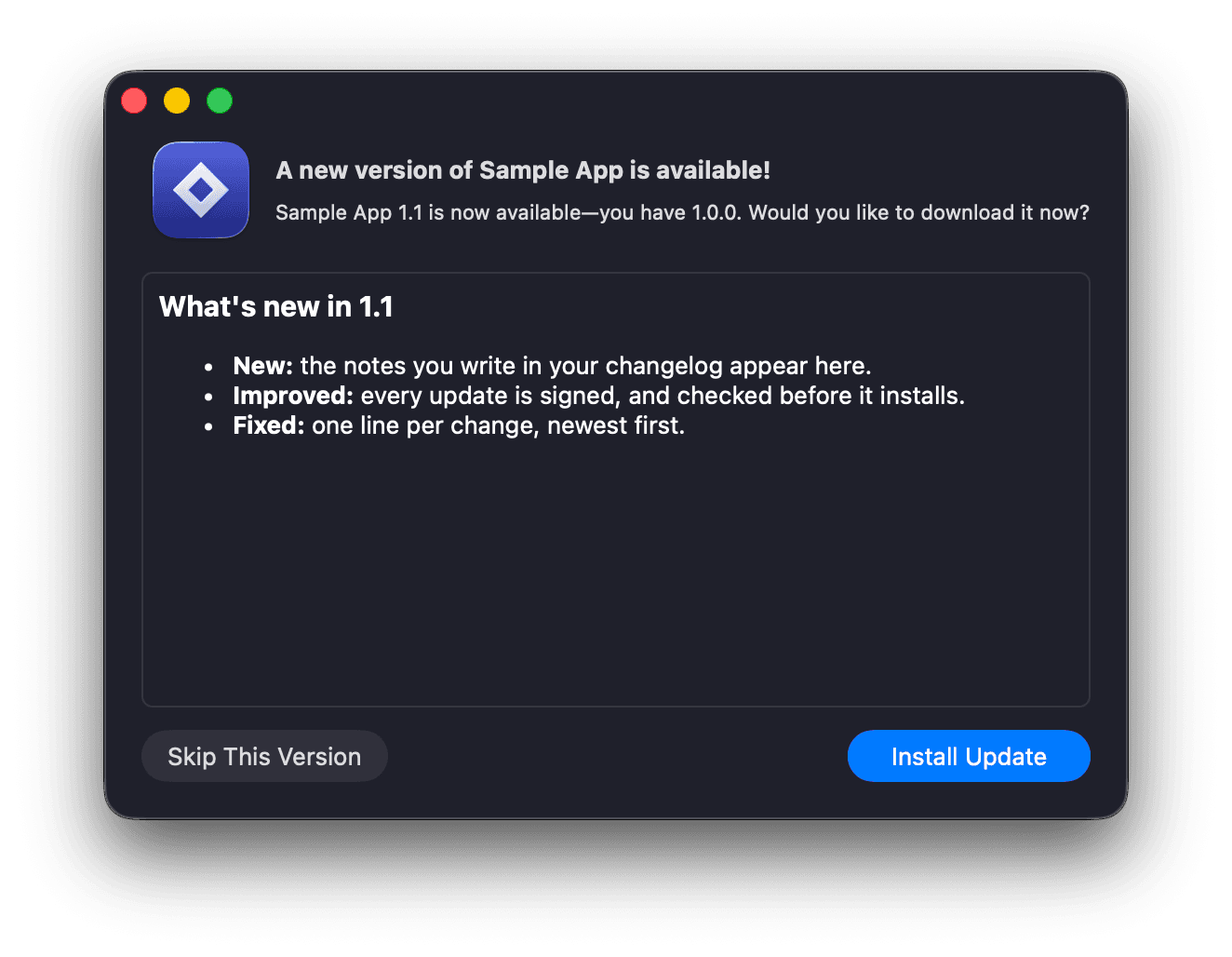
See the real thing, not a mockup.
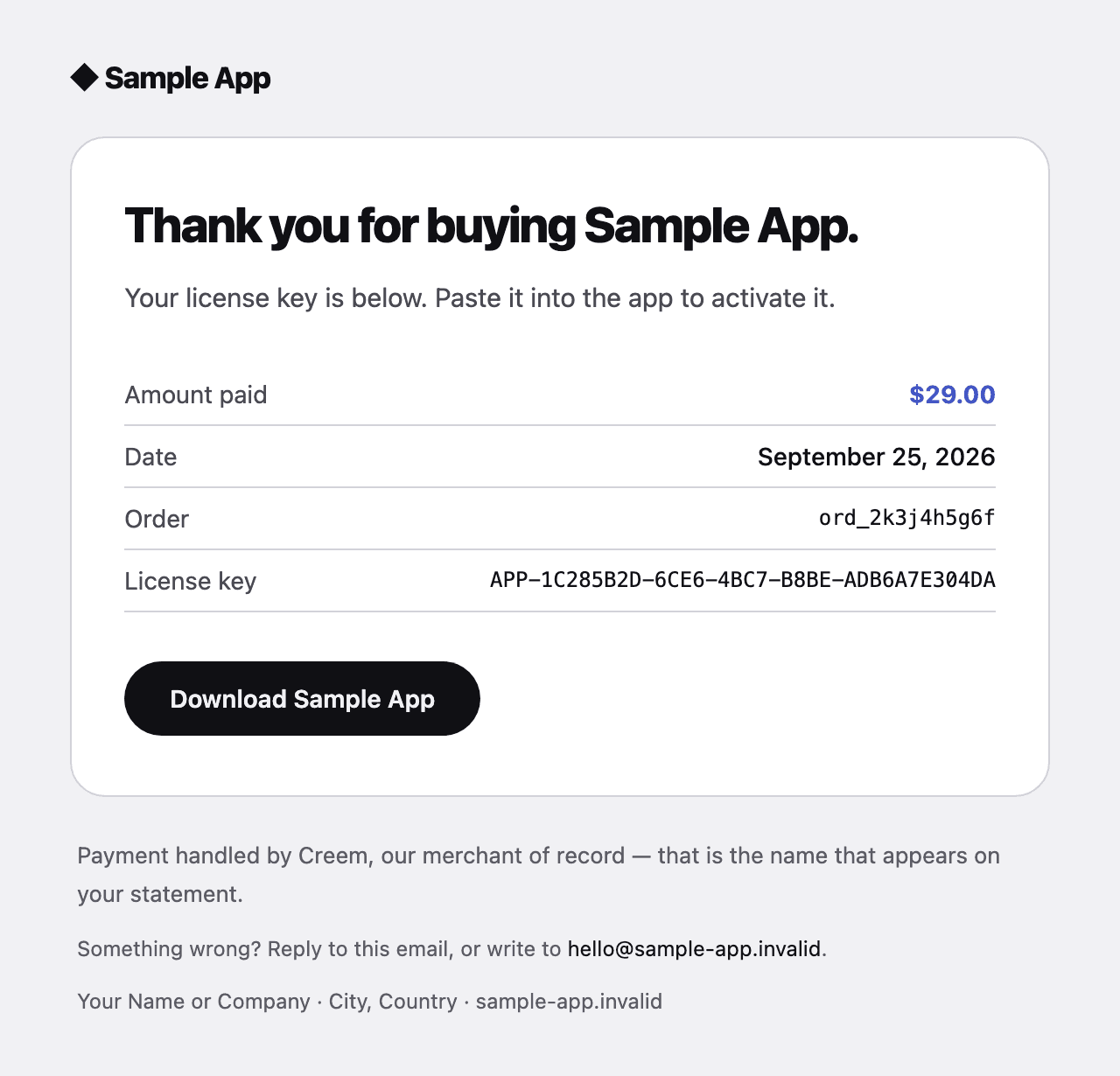
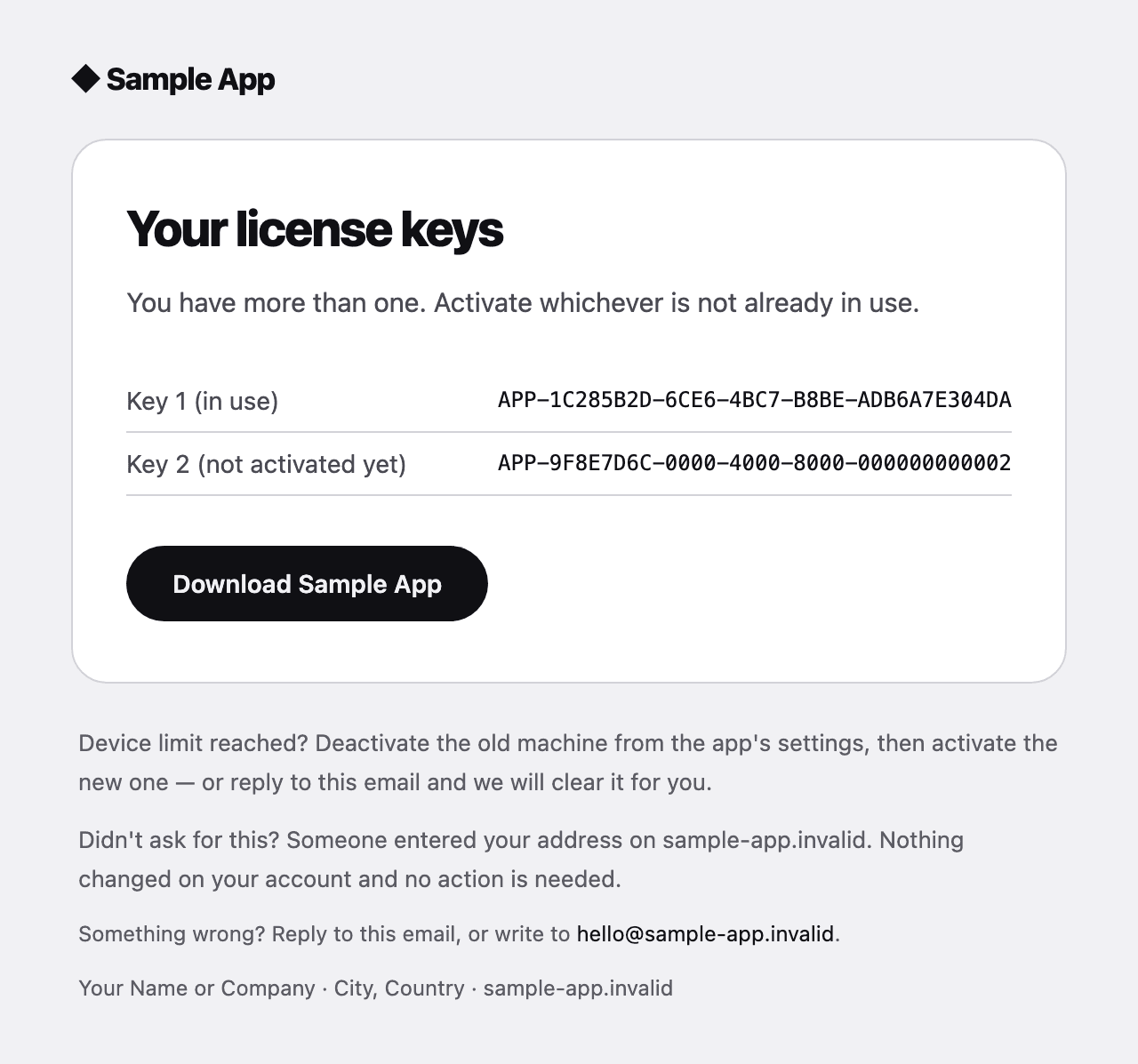
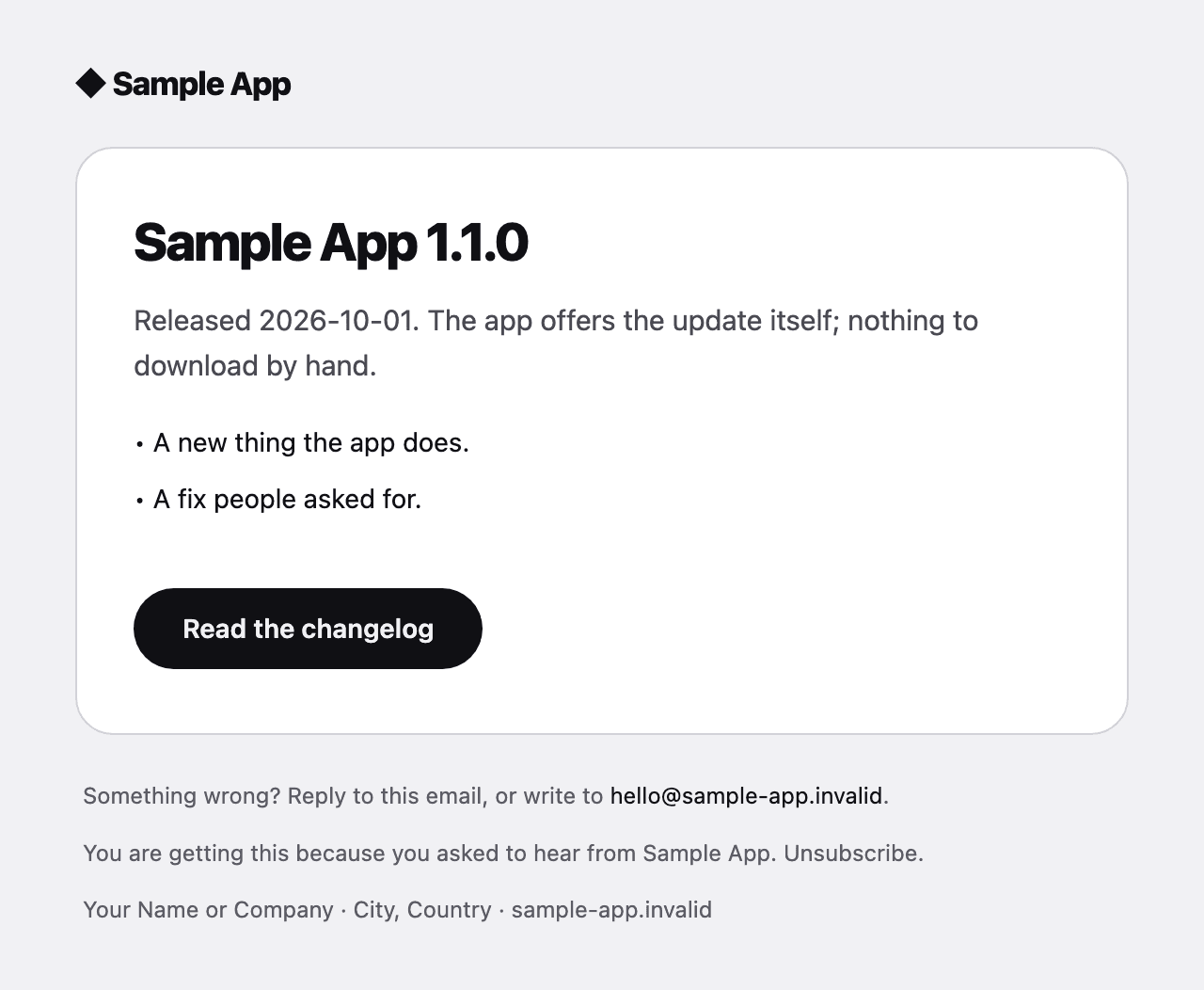
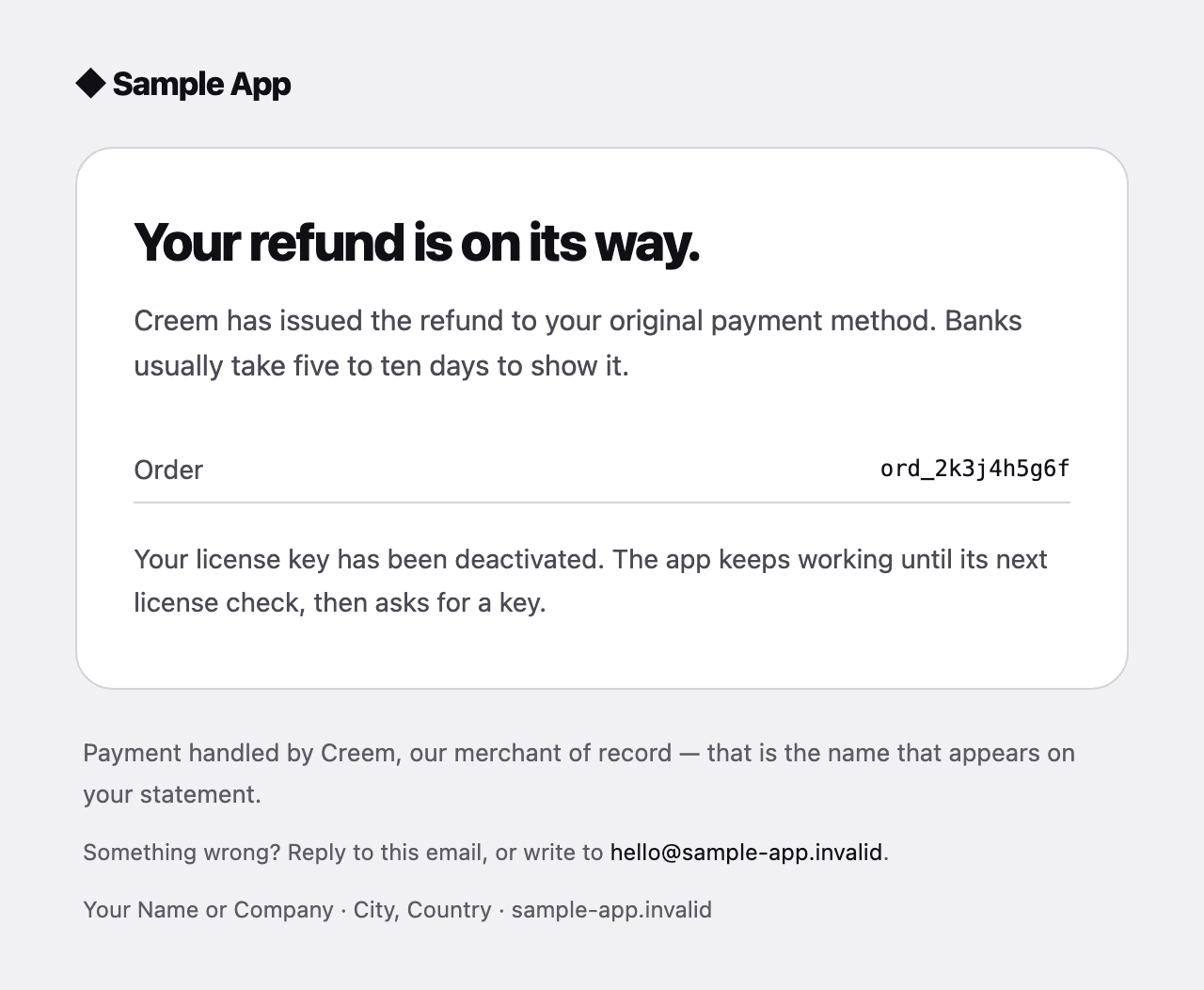
Captured from the template as it ships: the app your customers install, the update it offers, and the emails they receive.
The app
The emails
Try a real app built with it.
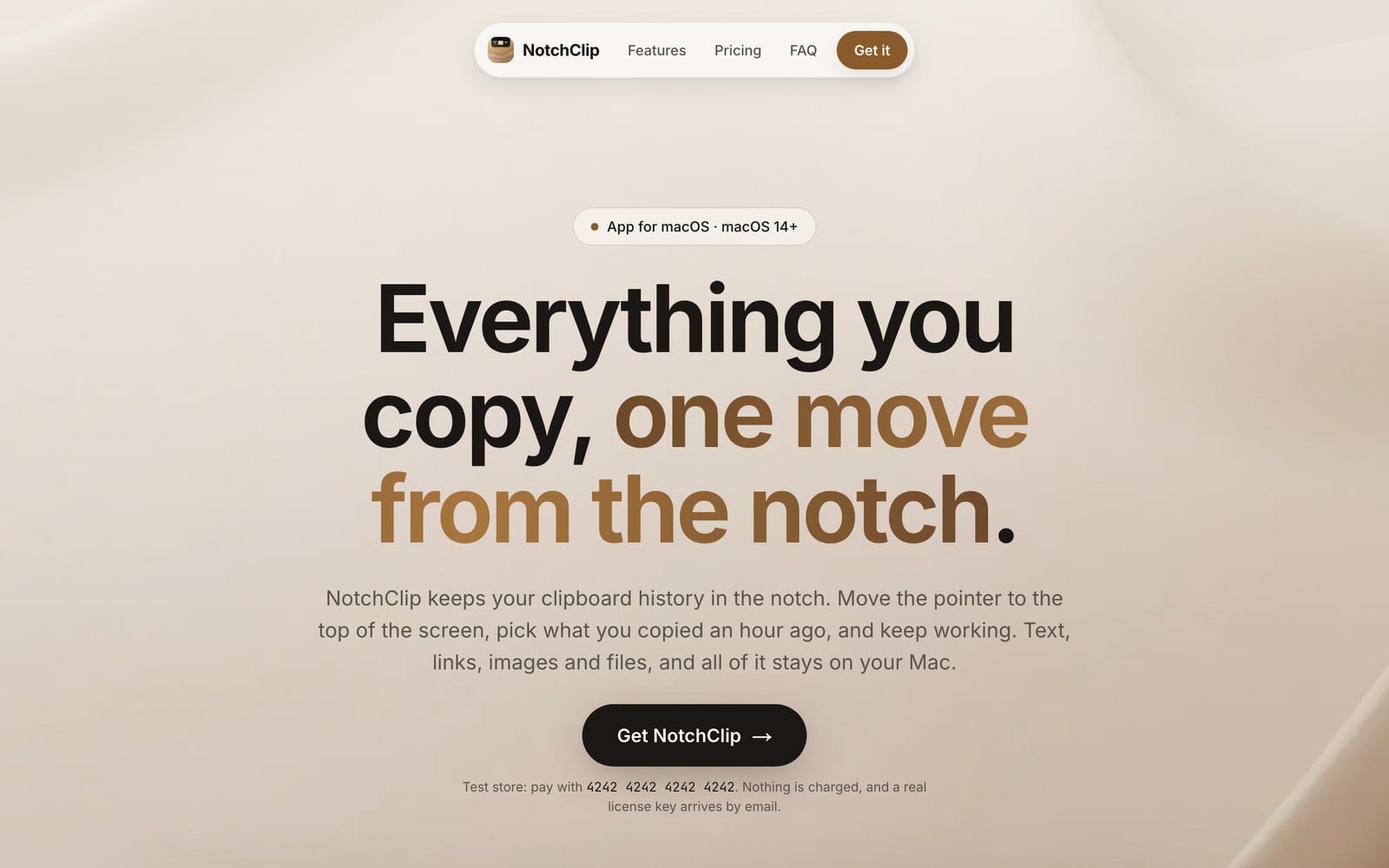
NotchClip is a clipboard manager in the notch, made from this template. Its store runs in test mode, so you can go through everything your customers will, without paying.

NotchClip
Everything you copy, one move from the notch
- Open the NotchClip site: a real sales page, made from the template.
- Buy it with the test card 4242 4242 4242 4242. Nothing is charged.
- Get the receipt and your licence key by email.
- Download the app, paste the key, and it activates.
Test mode: no real card, no charge.
Everything a paid Mac app needs, already working together.
Spend your time on the app. The licensing, releases, updates, payments, email and site are done.
Licence keys that never lock out a paying customer
Customers who paid can use your app; people who did not, cannot. And a mistake on your side never locks out someone who paid.
- Activation per Mac, rechecked weekly
- A 14-day offline grace window
- Your misconfiguration says “try again later”, never “invalid licence”
- Lost-key recovery by email, on the site and in the app
- Refunds revoke the key at the provider
One command from source to notarized DMG
One command turns your project into a download Apple has checked, so it opens on your customers’ Macs without a warning.
- A preflight that checks every credential before a second of build time
- Universal build, signed with the hardened runtime
- Launched on Apple silicon and Intel before it goes to Apple
- Notarized, stapled, and checked the way Gatekeeper checks it
- Locally, or in the included GitHub Actions workflow
Built withXcodeandGitHub Actions
Auto-updates that cannot ship broken
When you ship a new version, your customers’ app offers it to them and installs it. No re-downloading.
- Sparkle with a per-product EdDSA key
- An appcast signed against the exact bytes of the DMG
- The updater stays off until the key exists
- The preflight refuses a release with the updater compiled out
Built withSparkle
Take money through a merchant of record
Customers pay on your site; the provider handles the card, the sales tax and the invoice, and pays you.
- Checkout, webhooks, refunds and disputes behind one contract
- Selected with one setting; switching keeps old keys working
- A shared test suite every provider must pass
- A skill that walks an agent through adding any other provider
- Sell licence keys, GitHub repository access, or both
Built withCreemorPolar
Email that arrives, once
Receipts, lost-key help and refund notices go out on their own, and land in the inbox.
- Receipts, key recovery, refunds, repository access
- Drawn in React Email, with a plain-text twin from the same HTML
- Idempotency keys, so a retried webhook never sends two receipts
- A waitlist and launch broadcasts, drafts by default
- DNS guide for SPF, DKIM and DMARC
Built withResendandReact Email
The site that sells it
A ready website with pricing, legal pages and a blog, set up so Google and AI assistants can find it.
- Pricing, terms, privacy, refunds and a changelog
- An answer-first MDX blog with per-post share images
- Sitemap, feed, llms.txt and IndexNow
- Every page renders with nothing configured
- A metadata check that fetches the real pages
Built withNext.jsandTailwind
A repository an agent can find its way around
You describe what you want to an AI coding agent; the project tells it where everything is and checks its work.
- Rule books written from real failures
- A machine-readable map of every fact, file and env var
- A doctor that says what state the project is in and what is next
- Checks that report the file, the line and the fix
- Thirteen skills for Claude Code
Built withClaude Code
Wired to the services you’d choose anyway.
Bring your own accounts; the integration is done. Every one is optional — with nothing configured, the site still builds and runs.
CreemPayments
Takes the card and handles sales tax as the legal seller; issues licence keys; handles refunds.
PolarPayments
The same contract through Polar, switched with one constant.
ResendEmail
Receipts, access and refund emails, plus the waitlist and launch broadcast.
DataFastAnalytics
Visits and revenue attributed to the page that sold.
VercelHosting
The Next.js site deploys as it is, with previews on every push.
GitHubReleases & CI
Actions build, sign and notarize each release; Releases serve the DMG.
SparkleUpdates
Your app finds and installs its own updates, signed so nobody can fake one.
Apple notarizationSigning
Apple checks and approves each version, so Macs open it without a warning. One command.
Claude CodeAgents
The AI agent you talk to. The project gives it a map and step-by-step recipes, so it changes things safely.


Your codebase + Claude Code = features, not archaeology.
You tell the agent what you want in plain English. It finds its way around because the project hands it a map, a health check that says what is left to do, and a written recipe for each common job.
~/clip-stack % scripts/doctor.sh

── Your product
ok    rename              Clip Stack · clipstack.app
── Signing and release
ok    signing-identity    Developer ID Application
todo  sparkle-public-key  the updater stays off
      → generate_keys --account clip-stack, once
── Selling
ok    provider            polar
todo  on-sale             the site shows a waitlist
Every check reports the file, the line and the fix, so an agent acts instead of guessing.
> /
- /new-appRename it into your product
- /doctorWhat state is this in, what is next
- /add-featureLogic, screen, tests, honest copy
- /add-screenA window, sheet or pane
- /add-settingA preference in Settings
- /add-entitlementA permission, safely
- /add-payment-providerAny provider, held to the suite
- /switch-paymentsCreem ↔ Polar, keys kept
- /add-emailA new email or broadcast
- /add-blog-postSourced, answer-first posts
- /go-liveFrom template to taking money
- /releaseShip a notarized version
- /upgrade-templatePull in template updates
13 skills ship in the repository, one for each job you will actually do.
What broke in real apps, and what now stops it.
From three paid Mac apps shipped on this foundation. Each failure is now caught by a check that runs on every change, so you inherit the lesson without paying for it.
Updates
The updater cannot ship missing
The release preflight refuses to build unless Sparkle is really declared and the public key matches.
What happened: A release shipped with the auto-updater compiled out, and nothing complained.
Signing
Every build launches before it ships
Every build is launched on Apple silicon and Intel before it is notarized, and the crash reason is printed.
What happened: An ad-hoc signed Release build crashed before its first line of code: macOS refused the embedded updater.
Downloads
Download links survive any product name
Release files are named the way GitHub stores them, and the site looks them up by that name.
What happened: A two-word product name broke every download: GitHub silently renamed the file.
Payments
Our mistakes never lock out a buyer
Our own misconfiguration is always “try again later”; a suite holds every payment provider to it.
What happened: A rotated API key would have told every paying customer their licence was invalid.
Menus
Paste works from the first launch
The menu is data, installed before any window, and read back out of the running app.
What happened: ⌘V did nothing in the licence-key field, because the app had no Edit menu.
Screens
No button can do nothing
Screen actions are required at compile time, and a check fails on any that could be left empty.
What happened: Fourteen buttons did nothing, including both on the first screen a customer sees.
Privacy
Nothing you ship names your machine
Layouts are built in a throwaway folder, and a check scans every committed file for home paths.
What happened: A committed installer layout carried the developer's username and home folder.
Website
No visitor gets stuck in a stale theme
There is no theme switch; a test measures contrast and refuses theme overrides.
What happened: A website stuck returning visitors in a theme it no longer offered, with every check green.

Hey, it's Dmytro 👋
I make paid Mac apps and sell them myself: MacMemory, Goal Rings and Localdock.
Every one needed the same plumbing before it could take its first payment: signing and notarization, a Sparkle feed, licence keys, webhooks, receipts, a site with terms and a refund policy. And every one broke somewhere in that plumbing, the way the list above shows.
So I stopped rebuilding it. Build Mac App is that plumbing, pulled out into one repository, with a check written for each thing that broke, so it breaks for nobody else.
Build the app. The rest is done.
One price.
Lifetime access.
One-time payment. No subscription. Repository access arrives the moment you buy.

Build Mac App
Template for macOS apps
$49one-time$149
- Full source in a private GitHub repository
- One-time payment
- 14-day money-back guarantee
- Template updates included
- Unlimited apps you own, no royalties
- 1 developer license
1 developer, $49, one-time payment.
Frequently Asked
Questions
What do I get?
I'm not a developer. Is this for me?
Is Build Mac App a subscription?
How many apps can I build with it?
What else do I need?
Does it work with AI coding agents?
Why Creem, and not Stripe directly?
How do I get access after buying?
Is there a money-back guarantee?
Ship the app, not the plumbing.
Your next Mac app: signed, notarized, updating itself and taking payments.